
DS17
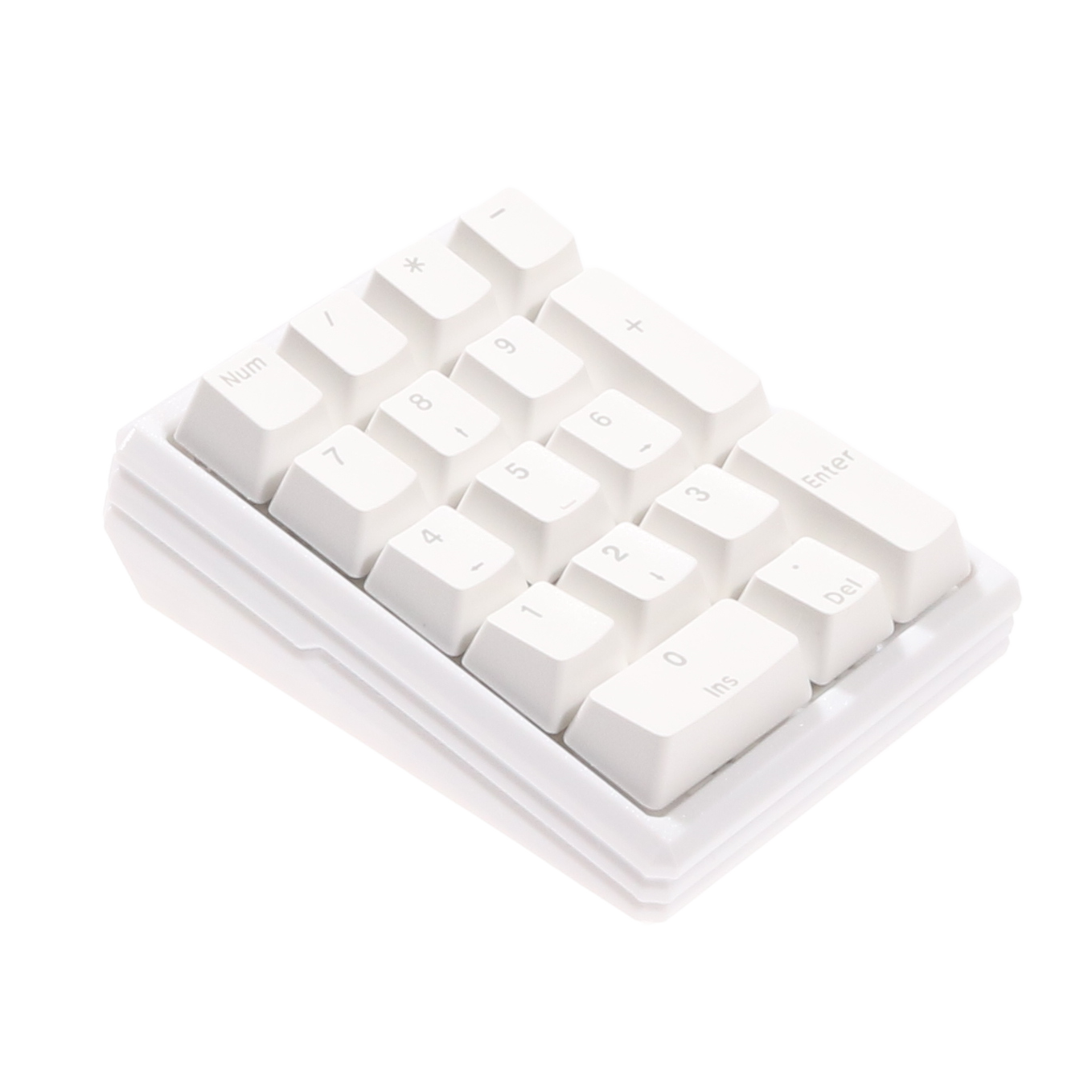
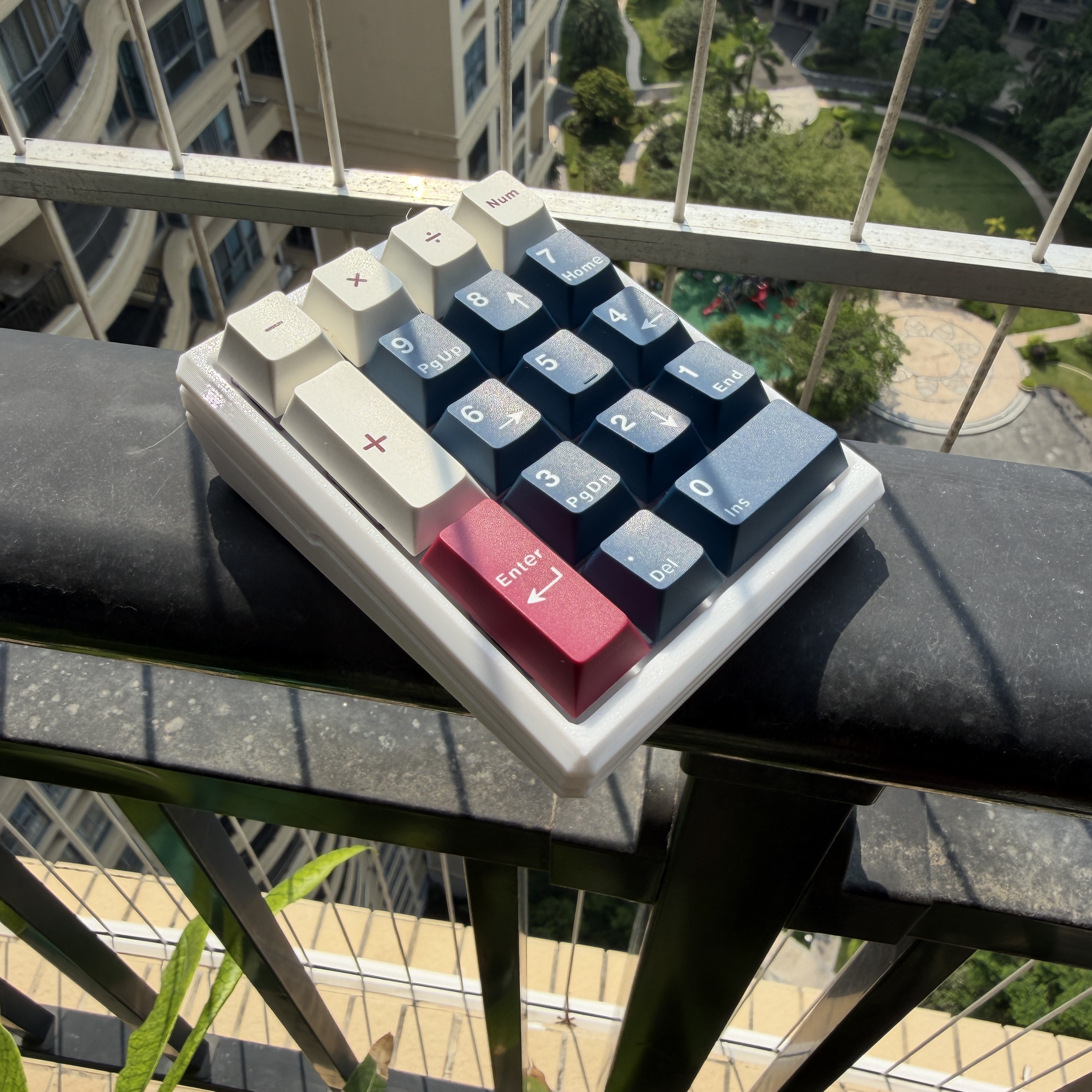
17-key wired numpad · USB wired only · QMK firmware (flat-base / 8° sloped 3D-printed kits)
Purchase links
[QQ group]
677654482
1. Switches & indicators ("Mode switch" applies to multi-mode products only)
- Port location: Type-C
- Indicators: NumberLock LED (white, solid while NumberLock is ON)
- Reset hole: printed on the PCB silkscreen / long-press to operate (follow the silkscreen)
- Mode switch: N/A (single-mode, wired only)
2. Shortcuts / combo keys
| Combo | QMK keycode | Description | Notes |
|---|---|---|---|
| Long-press NumberLock | LT(1, KC_NUM) | Short press: toggle NumberLock; long press: enter FN layer for combos | Indicator stays solid white while NumberLock is ON |
FN + 7 | RGB_TOG | Turn per-switch RGB on / off | Hold NumberLock, then press 7 |
FN + 0 | RGB_MOD | Cycle RGB modes | Hold NumberLock, then press 0 |
FN + 8 | RGB_SAI | Saturation + | Hold NumberLock, then press 8 |
FN + 2 | RGB_SAD | Saturation − | Hold NumberLock, then press 2 |
FN + 4 | RGB_HUD | Hue + | Hold NumberLock, then press 4 |
FN + 6 | RGB_HUI | Hue − | Hold NumberLock, then press 6 |
FN + - | RGB_VAI | Brightness + | Hold NumberLock, then press - |
FN + + | RGB_VAD | Brightness − | Hold NumberLock, then press + |
FN + * + - | NK_TOGG | Toggle NKRO / 6-KRO | Hold NumberLock, then press * and - in sequence |
| Stand-alone function | QK_CLEAR_EEPROM | Set ENTER on layer 7 to factory-reset the board |
3. Lighting
- Default effect: per-switch RGB is ON by default (animation needs the shortcuts in §2 or the tool below)
- Customization tool:
- Web driver (recommended, no JSON needed): micahyy.github.io (overseas) / via.micah.vip (China)
- Official VIA: JSON download (a17a18_ds17r3_via.json) + VIA guide
- Note: the JSON version may differ from the PCB revision, but it still pairs and works correctly.
4. Firmware upgrade (flashable products only)
Tools: QMK Toolbox
R3 firmware: no bootloader included — flash it with QMK Toolbox.
R4 firmware: removes the diodes used in R3 and uses a direct-pin matrix (each pin triggers on GND). Performance is identical to R3.
- Same link as R3 (the same .bin).
Rollback: re-flash the same firmware version.
Manufacturing files
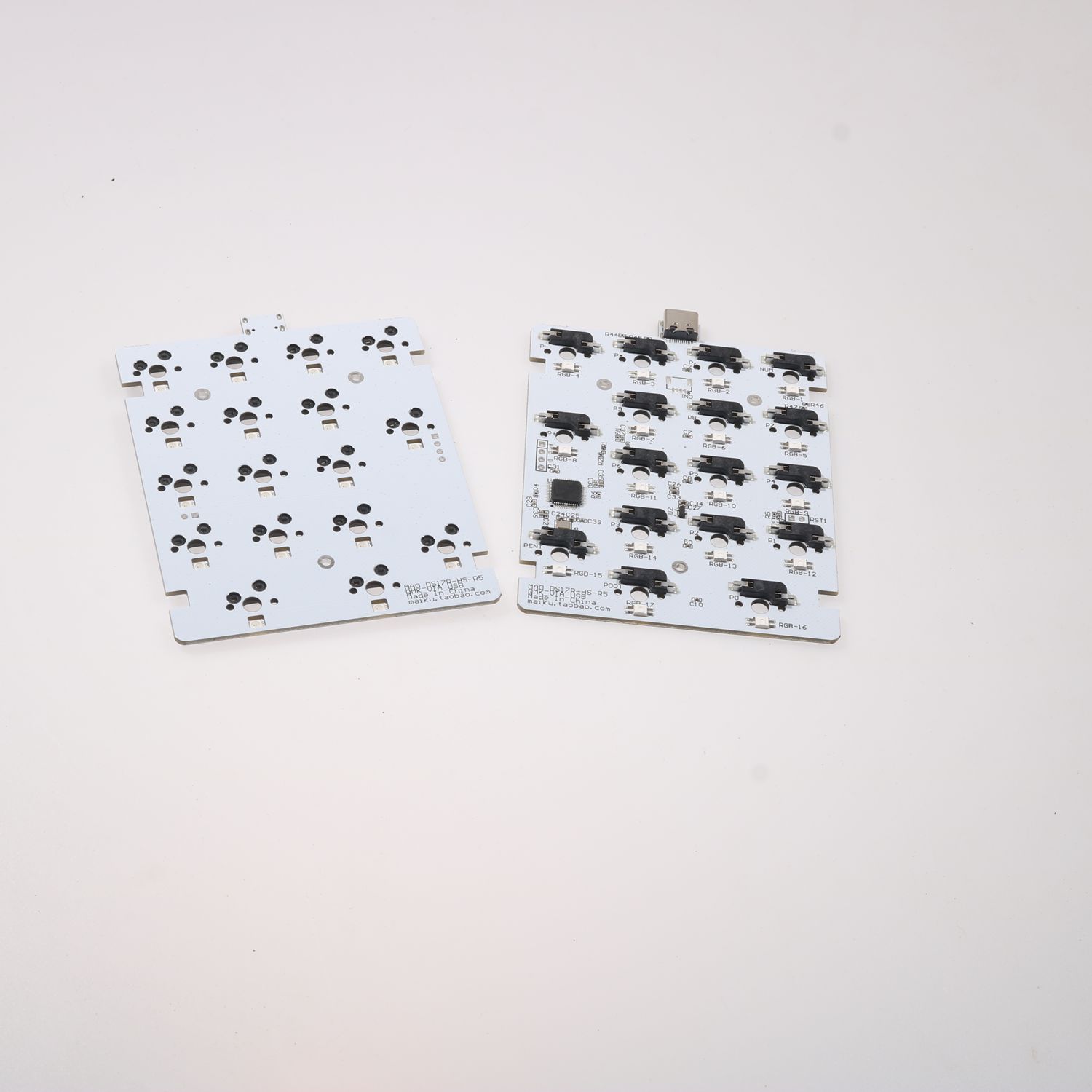
- When: you can solder 0402 components
- Contents: Gerbers + BOM + pick-and-place coordinates
- Direct download / Baidu Pan nitf
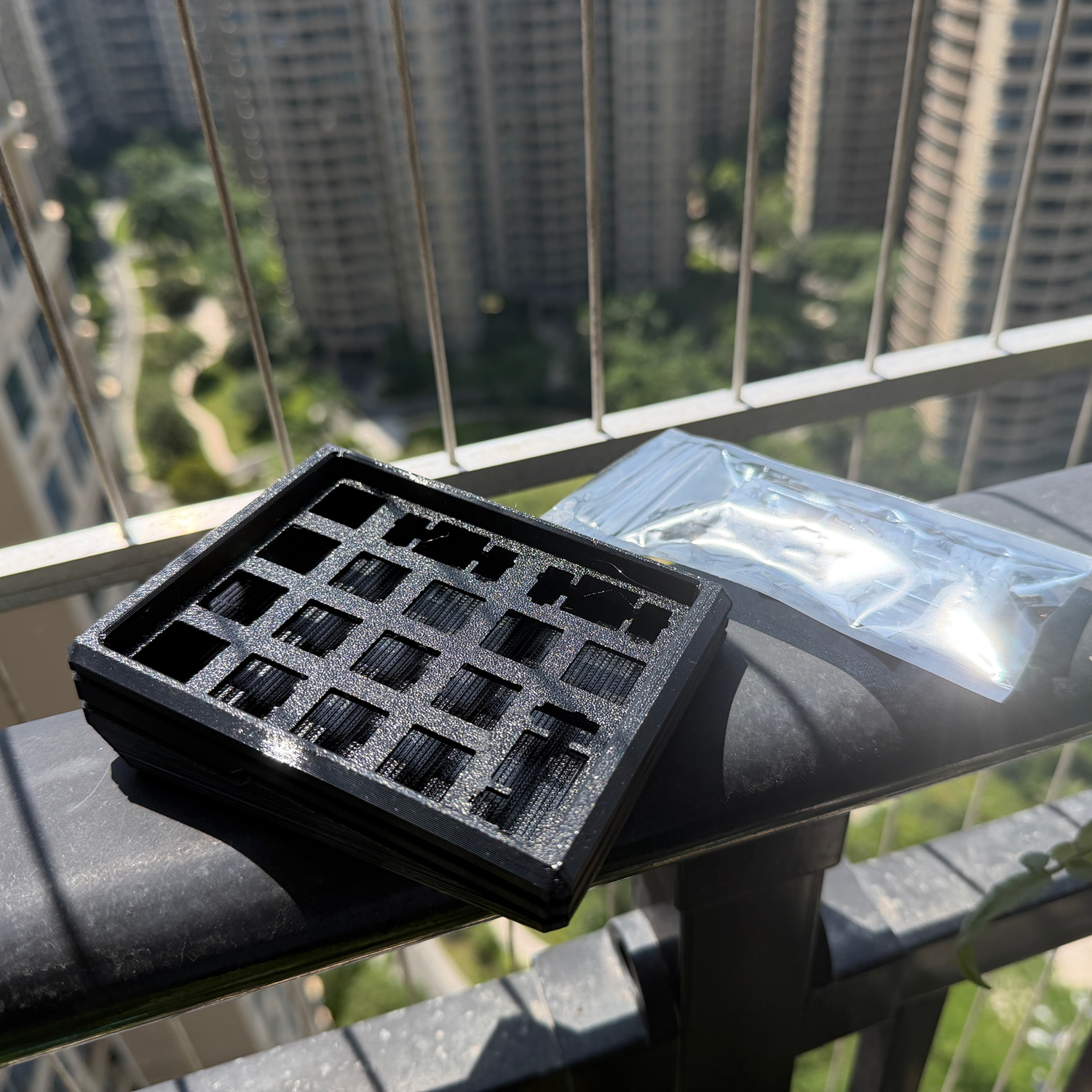
Case files
- Bring your own 5 × M2×8 self-tapping screws + 3 plate-mounted stabilisers.
- MakerWorld
5. Cautions
- Cable: neither the kit nor the PCB includes a Type-C data cable — bring your own.
- Numpad layout: keys are mapped to the numpad region; Number Lock must be ON for number input.
- Arrow-key conflict: when Number Lock is OFF, keys 8 / 4 / 2 / 6 act as Up / Left / Down / Right.
- Num-Lock state: the board reads the host's current state; you can also toggle it from another keyboard.
- Soldering: 0402 components require SMT capability — consider outsourced SMT assembly if not.
6. Troubleshooting
| Symptom | Cause | Fix |
|---|---|---|
| Board suddenly stops working (number keys don't respond) | Num-Lock is OFF, keys remapped to arrows | Turn on Num-Lock: long-press the NumberLock key on this board, or toggle from another keyboard. |
7. Specifications
| Spec | Pack 2 · Flat base | Pack 5 · 8° slope | Notes |
|---|---|---|---|
| Kit size | 106×82.2×18.7 mm | 110×87.2×33 mm | |
| Kit weight | 72 g | 96 g | |
| Assembled size | 106×82.2×35 mm | 110×87.2×42 mm | |
| Assembled weight | 124 g | 153 g | |
| Front height | 18.7 mm | 17.5 mm | |
| Rear height | 18.7 mm | 33 mm | |
| Typing angle | 0° | 8° | |
| Connection | Wired only | Wired only | |
| Port | Type-C | Type-C | |
| C2C | Supported | Supported | |
| Case material | 3D-printed PETG | 3D-printed PETG | |
| PCB size | 7.6×10 cm | 7.6×10 cm | |
| PCB thickness | 1.6 mm | 1.6 mm | |
| Switch support | Cherry MX / 3-pin / 5-pin | Cherry MX / 3-pin / 5-pin | |
| Firmware platform | QMK | QMK | |
| Remap tool | VIA (web-based tool) | VIA (web-based tool) | |
| Source code open | Yes | Yes | |
| Case files open | Yes | Yes | |
| PCB files open | Yes | Yes | gitee: CZMao / github: micahyy |
| Full keys customizable | Yes | Yes | |
| N-Key rollover | Yes | Yes | |
| Scan rate | 1 kHz | 1 kHz | |
| Polling rate | 1 kHz | 1 kHz | |
| Latency | 1 ms | 1 ms | |
| Accessories | 1 m Type-C data cable, 4 anti-slip feet | 1 m Type-C data cable, 4 anti-slip feet | Kit / PCB does not include a cable |
Appendix
Build videos
Flat-case build video
Gallery
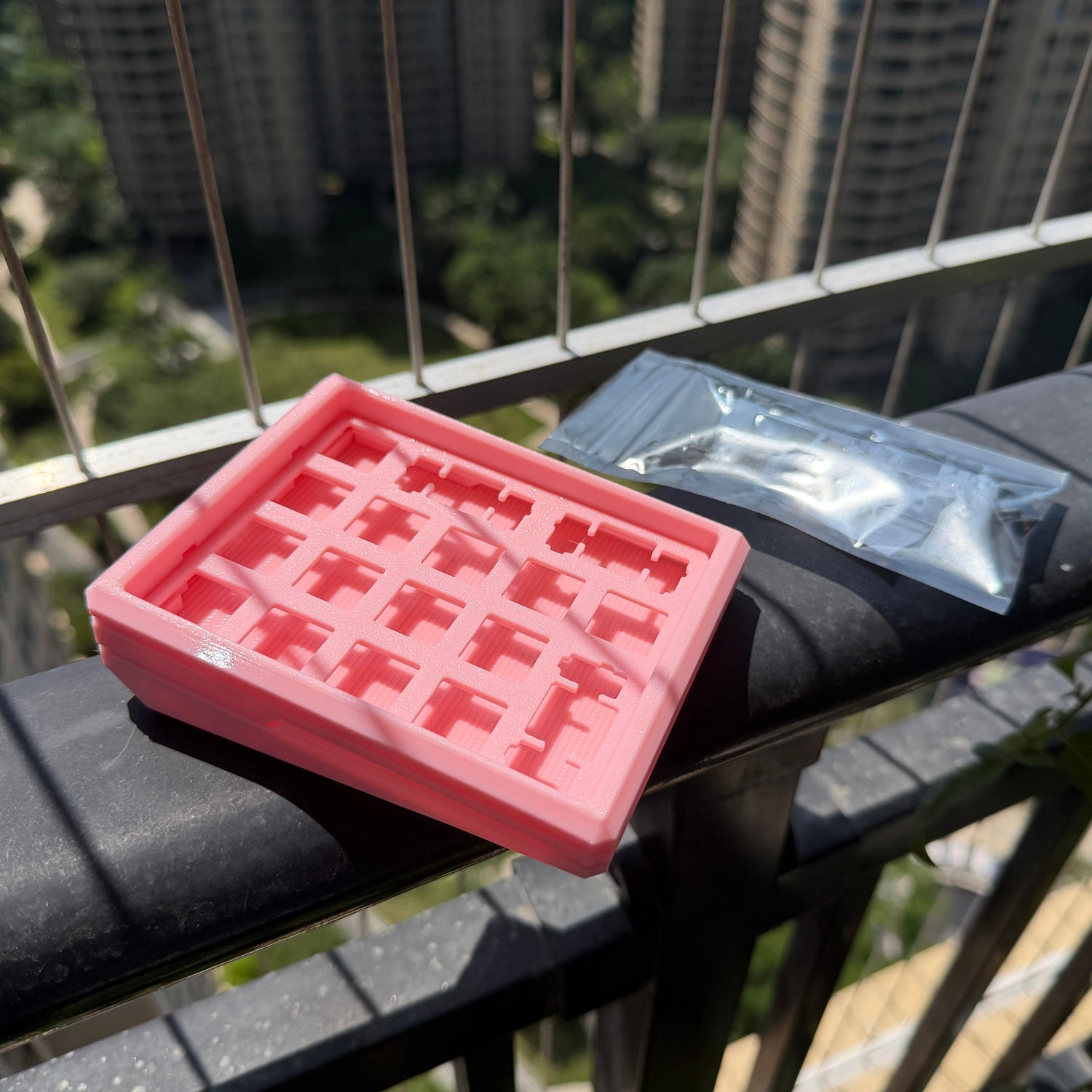
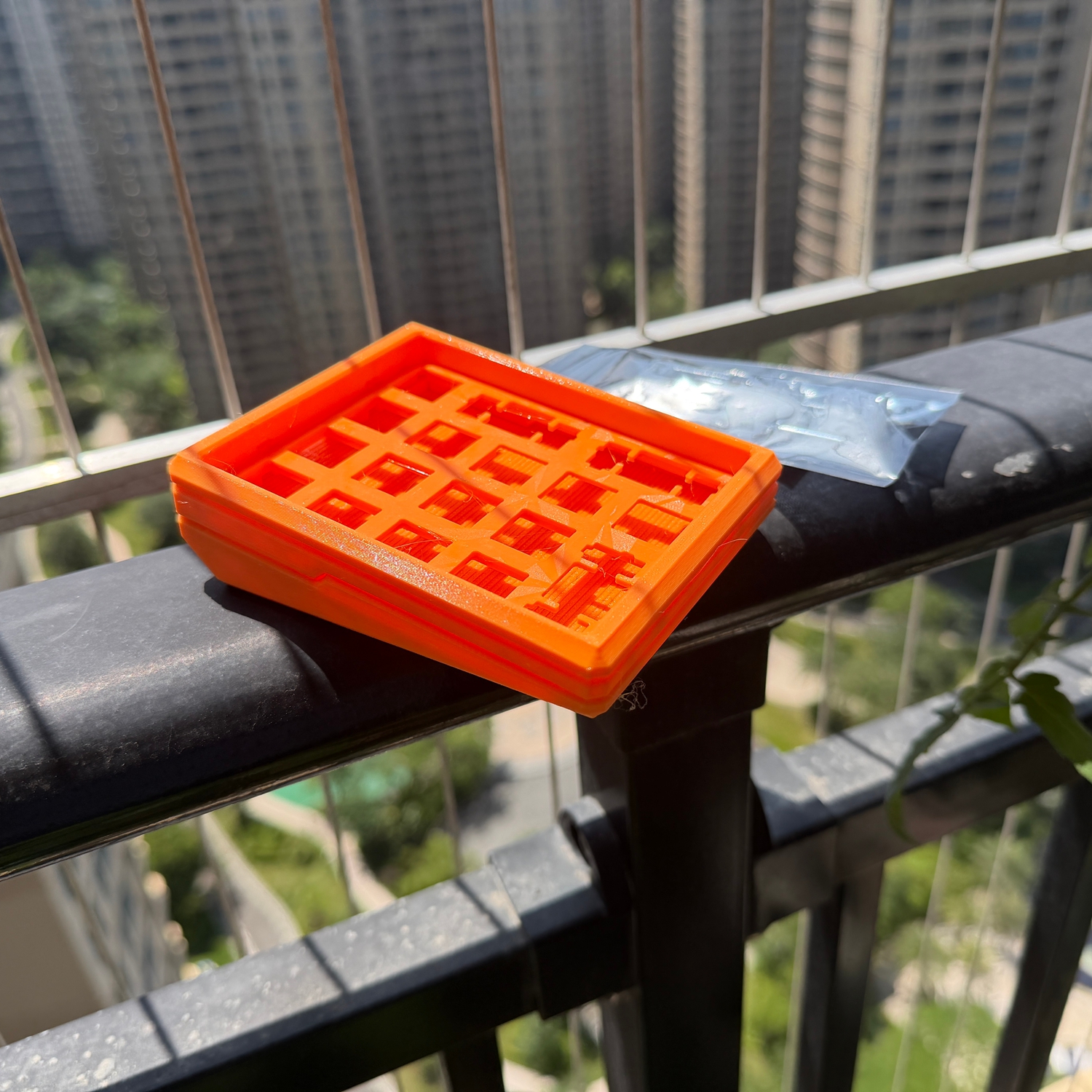
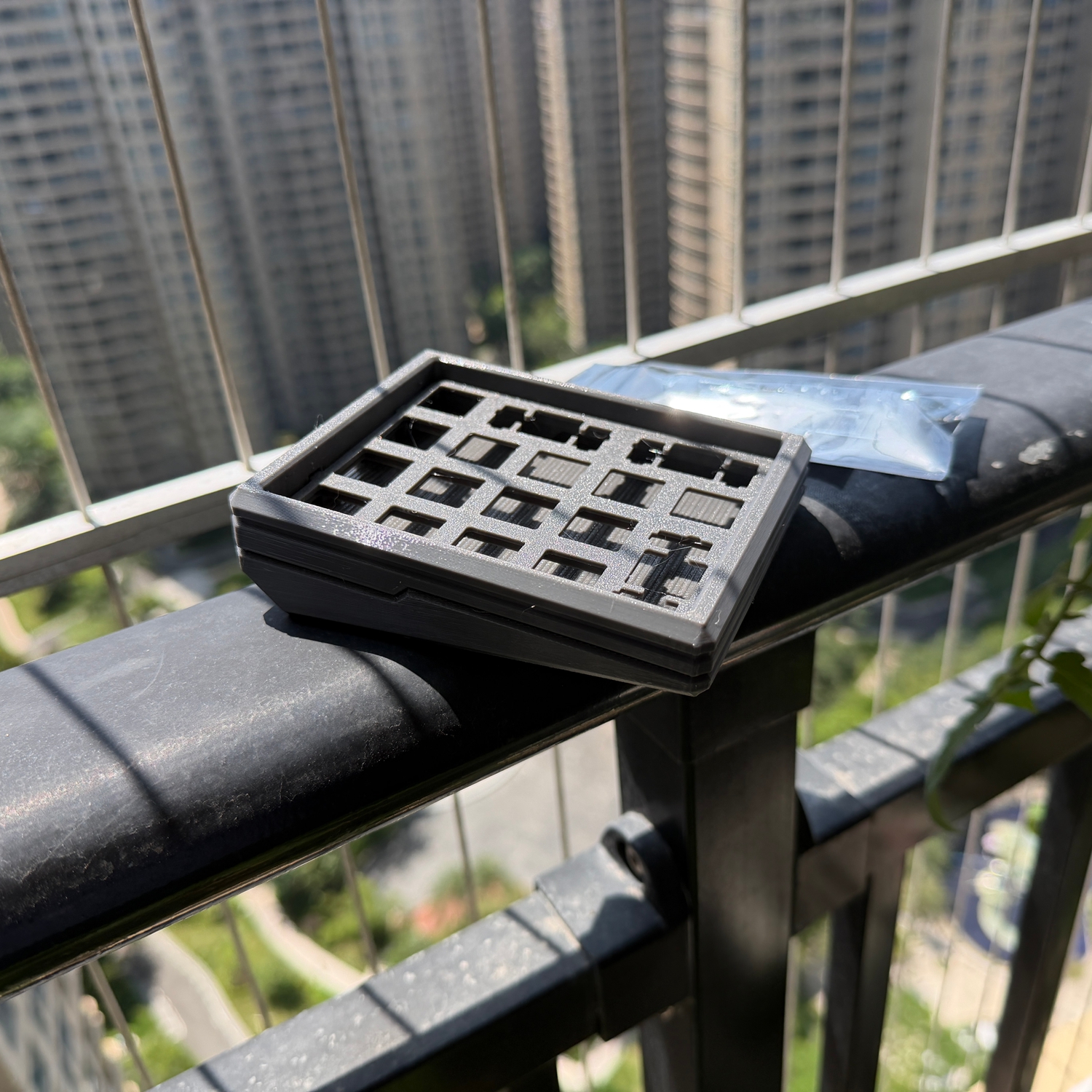
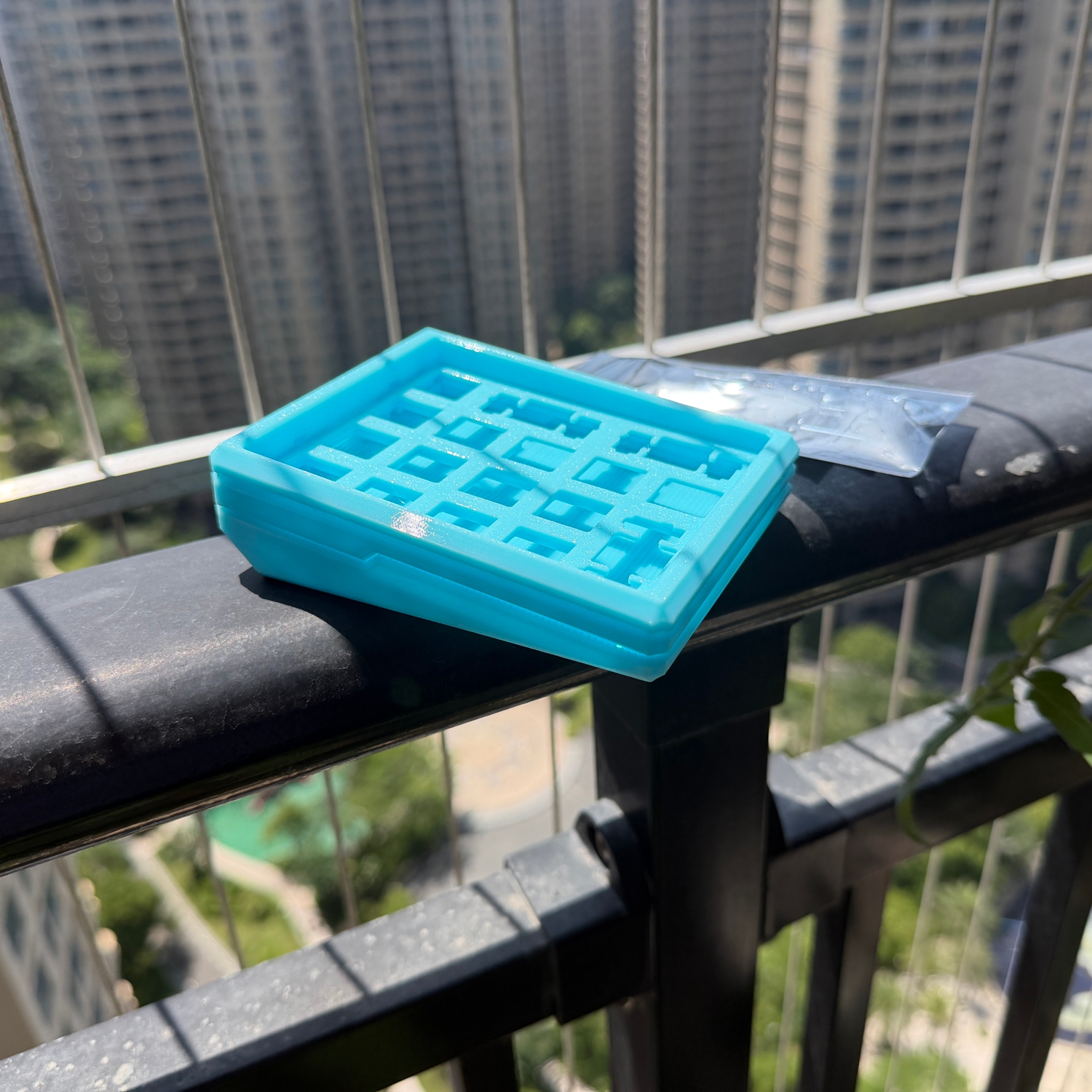
评论 / 提问 (填个昵称就能留言,无需注册;邮箱选填,填了能收到回复通知)